Best bug tracking software & tools [2026 comparison]

What’s in this article
Bug tracking software is the system your team uses to log, prioritize, and resolve software defects — and the right one makes high-quality reports the path of least resistance for developers, testers, clients, and end users. The wrong tool creates a backlog nobody trusts and reports nobody wants to file.
This guide compares six leading tools — including Ybug, BugHerd, Marker.io, Usersnap, Userback, and zipBoard — head-to-head, and shows which tool fits which team size and workflow.
For most web teams, Ybug or Linear offer the best balance of speed and cost; enterprise teams still need Jira
What to look for in bug tracking tools
Before evaluating specific tools, define what your team actually needs. The wrong lens leads to picking a tool that’s technically impressive but slows down your real workflow.
Custom fields and workflows. Can you tailor the bug report structure — severity, priority, environment, reproduction steps — to match how your team works? Rigid templates lead to reports that miss the fields you actually need.
Integration with your development workflow. Does it connect to your code repository (GitHub, GitLab, Bitbucket)? Can developers link commits and pull requests to bug tickets? The closer bug tracking lives to the code, the faster bugs get fixed.
How bugs enter the system. The best bug tracking setup in the world is useless if reporters — testers, clients, end users — find it too complicated to file issues. Consider the capture experience, not just the management experience.
Automatic technical context. When a bug is submitted, does it arrive with browser version, OS, screen resolution, page URL, and JavaScript console logs? Or does the developer have to ask follow-up questions? The difference between these two scenarios is often the difference between a 30-minute fix and a two-day thread.
Pricing model. Per-user pricing punishes teams for growing. Flat-rate pricing scales predictably. This distinction becomes significant fast as your agency or team expands.
Guest access for external reporters. Clients and end users shouldn’t need to create accounts to report a bug. Frictionless guest access determines whether non-technical stakeholders actually participate in the feedback process.
Visual bug reporting tools compared: Ybug vs. the alternatives
This section focuses specifically on visual bug reporting tools — tools designed to collect annotated feedback directly from websites and web apps. These are distinct from general project management tools like Jira or Trello; they sit on top of your site and feed reports into your existing workflow.

Full feature comparison
| Feature | Ybug | BugHerd | Marker.io | Usersnap | Userback | zipBoard |
| Primary focus | QA, UAT & visual bug reporting | All-in-one PM + feedback | Visual feedback + integrations | CX platform + surveys | Product feedback | E-learning + visual review |
| Free plan | ✅ Free forever | ❌ No | ❌ Trial only | ❌ Trial only | ⚠️ 7-day data lock | ❌ No |
| Starting price | from €13/mo | from ~$39/mo | from $39/mo | Enterprise pricing | from ~$7/seat | from $99/mo |
| Pricing model | Flat rate | Per seat | Tiered, seat caps | Enterprise | Per seat | Per asset + manager fees |
| Console log capture | ✅ Auto | ❌ Limited | ✅ Yes | ✅ Yes | ✅ Yes | ❌ Visual only |
| Screenshot + annotation | ✅ Yes | ✅ Yes | ✅ Yes | ✅ Yes | ✅ Yes | ✅ Yes |
| Video recording | ✅ Yes | ✅ Yes | ✅ Yes | ✅ Yes | ✅ Yes | ❌ No |
| Guest access | ✅ Unlimited, no login | ⚠️ Limited / invite-based | ✅ Yes | ✅ Yes | ✅ Yes | ⚠️ Limited |
| PM integrations | ✅ Jira, Asana, GitHub, Trello, ClickUp+ | ⚠️ Internal Kanban focus | ✅ Strong | ✅ Yes | ✅ Yes | ⚠️ Higher tiers only |
| European (EU) hosting | ✅ Yes | ❌ No | ❌ No | ✅ Yes | ❌ No | ❌ No |
| Setup time | Under 5 min | Workflow config needed | Fast | Platform config | Moderate | Heavy setup |
Ybug covers all core features at the lowest price point with the fastest setup.
Ybug vs. BugHerd
BugHerd is one of the best-known tools in the visual feedback space. It combines feedback collection with its own Kanban-style project management board — which is its main strength and its main limitation.

Where BugHerd works well: Teams that don’t already use a project management tool and want an all-in-one solution. The internal board is clean and the visual annotation workflow is solid.
Where it falls short: For teams already working in Jira, Asana, ClickUp, or Trello, BugHerd creates a second system to maintain in parallel. Its per-user pricing model also means costs escalate quickly as the team grows. Setup requires upfront workflow configuration, which slows down smaller teams and short-lived projects.
The Ybug difference: Ybug doesn’t try to replace your project management tool — it feeds it. Reports captured on-site go straight into your existing backlog in Jira, Trello, or GitHub, in a clean developer-ready format. Flat-rate pricing means no “seat tax” as your team expands. Setup takes under 5 minutes with a single JavaScript snippet.
Ybug vs. Marker.io
Marker.io is the closest feature-for-feature competitor to Ybug. Both offer visual annotations, console log capture, screenshot-based bug reporting, and strong PM integrations. The core differentiator is pricing.
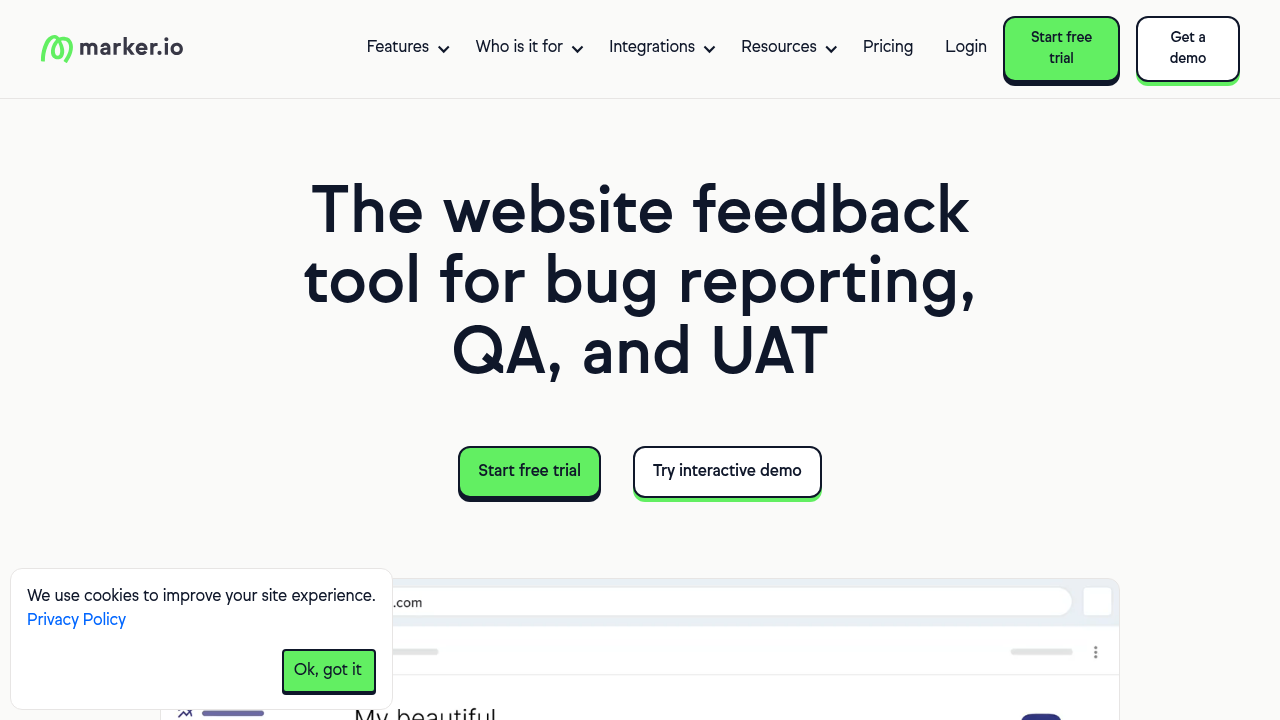
Where Marker.io works well: Large teams and enterprise accounts where the $39/mo+ starting price is within budget. The integrations are robust and the product is polished.
Where it falls short: Marker.io’s starter plan caps team members at 3, meaning most real teams are forced onto a significantly more expensive tier immediately. There’s no free plan — only a trial. For freelancers, small agencies, and budget-conscious teams, this is a hard barrier.
The Ybug difference: Ybug offers a Free Forever plan — genuinely free, not just a trial. The BASIC plan starts at €13/month and covers comparable functionality. For teams that need the same professional integrations and console log capture without Marker.io’s price tag, Ybug covers the same ground for roughly 30% of the cost.
Ybug vs. Usersnap
Usersnap started as a visual bug reporting tool but has evolved into a full Customer Experience (CX) platform. It now focuses heavily on NPS surveys, CSAT scores, and customer sentiment measurement alongside visual feedback.

Where Usersnap works well: Product and marketing teams that need both bug tracking and customer satisfaction metrics in a single platform. If you need to run NPS campaigns alongside your QA process, Usersnap covers both.
Where it falls short: Enterprise-tier pricing makes it inaccessible for most small and mid-size teams. The shift toward CX means the core bug tracking experience has become secondary to the survey and analytics features. Teams that just want fast, focused bug reporting are paying for a lot of functionality they don’t need.
The Ybug difference: Ybug doesn’t do surveys, NPS, or sentiment tracking — and that’s deliberate. It does QA and UAT exceptionally well, without the overhead of a CX platform. For dev teams and agencies that need a lean, fast, focused bug reporting tool, Ybug is the sharper instrument.
Ybug vs. Userback
Userback is positioned primarily for product managers collecting user feedback. It offers visual annotations, video recording, and PM integrations, with a pricing model built around per-seat billing.

Where Userback works well: Product teams gathering structured user feedback on web apps. Its feedback portals and roadmap features are useful for teams that want to communicate product direction back to users.
Where it falls short: Per-seat pricing adds up fast. A seven-person team (developers + QA + PM) can cost $49–$161 per month depending on the plan. The free plan locks feedback data after 7 days — meaning if a bug isn’t fixed immediately, you lose access to the original report.
The Ybug difference: Ybug’s STARTUP plan covers seven team members for €23/month flat — no per-seat escalation. Reports are never locked or deleted on a timeline. The focus is squarely on QA and bug resolution rather than product roadmapping, which means the workflow is more direct for development teams.
Ybug vs. zipBoard
zipBoard is built primarily for instructional designers reviewing e-learning content — SCORM files, MP4 videos, and course documents. It offers visual markup tools that were adapted for website feedback, but the tool’s origins are clearly outside the web development space.
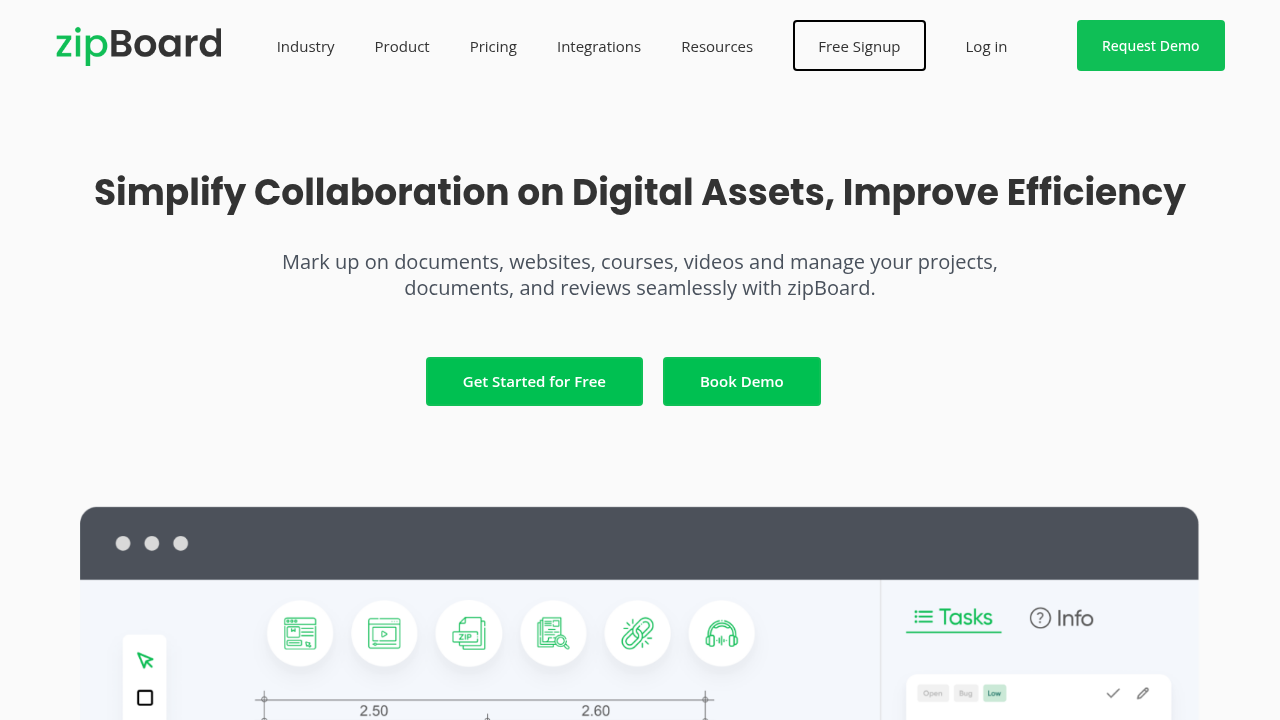
Where zipBoard works well: E-learning agencies and instructional design teams reviewing course content and digital training materials. If your workflow involves SCORM files or video-based course review, zipBoard is purpose-built for that context.
Where it falls short: The $99/month starting price is steep, and that base plan limits you to just 20 digital asset pieces. Console log capture — essential for web debugging — is absent. PM integrations are locked to higher pricing tiers. For web agencies and development teams, the tool carries significant e-learning bloat that’s irrelevant to their work.
The Ybug difference: Ybug’s BASIC plan starts at €13/month and covers unlimited assets, full console log capture, and PM integrations from the start. It’s built strictly for web QA — no e-learning features, no asset limits, no manager fees. Teams switching from zipBoard typically save 80–90% on their monthly bill while gaining better developer context in every report.
Best bug tracking tools by use case
Not every team needs a visual feedback widget. For teams tracking bugs entirely internally — without client or end-user involvement — a traditional issue tracker may be the better fit.
For enterprise software teams: Jira
Jira bug tracking is the industry standard for large development teams. Its workflow engine is deeply configurable — custom statuses, transition rules, automation triggers — and its integration ecosystem covers virtually every development tool: GitHub, GitLab, Bitbucket, Confluence, Slack, and hundreds more.
The tradeoff is complexity. Jira is powerful but heavyweight. For teams of 3–5 developers on a single product, it can feel like driving a truck to the grocery store. For teams of 20+ across multiple projects, it’s hard to beat.
Best for: Enterprise development teams, software companies with complex multi-team workflows, teams already in the Atlassian ecosystem.
For fast product teams: Linear or Ybug
Linear has earned a following among product engineers for its speed and clean design. Bug creation is fast, keyboard shortcuts make navigation instant, and the UI doesn’t get in the way. It integrates tightly with GitHub and GitLab.
Best for: Startups and product teams that prioritize developer experience and want to move quickly without heavyweight configuration.
For open-source and GitHub-native teams: GitHub Issues
If your code lives in GitHub, GitHub Issues templates docs is the zero-friction choice. Bugs are logged directly alongside the code, PRs can reference issues automatically, and the workflow is familiar to every developer. The template system (via .github/ISSUE_TEMPLATE) lets you enforce a consistent bug tracking template.
Best for: Open-source projects, developer-led teams, any team that wants bug tracking native to their code repository.
For web agencies and visual bug reporting: Ybug
Most bug tracking tools assume reporters can describe technical details accurately. That assumption breaks the moment you involve clients, end users, or non-technical stakeholders.
Ybug approaches the problem differently. A lightweight JavaScript widget sits on your website or app. When anyone — developer, tester, client, or end user — spots an issue, they click the button, annotate a screenshot, describe the problem, and submit. Browser, OS, screen resolution, page URL, and JavaScript console logs are captured automatically.
The report arrives in your existing tool — Jira, Trello, Asana, GitHub, and others via integrations — as a properly formatted ticket, not a raw email or vague Slack message. For web agencies collecting client feedback or running QA testing on staging environments, this closes the gap between “I found something” and “developer can fix it.”
A freelancer sends a staging link to the client. The client spots a broken layout, clicks the Ybug widget, draws an arrow on the screenshot, and hits submit. Thirty seconds later, a fully formatted ticket — with browser, OS, and console logs — appears in the freelancer’s Trello board.
Best for: Web agencies, freelancers, and SaaS teams who need to collect bug reports from non-technical users alongside their internal team.
How to choose bug tracking software by team size
Teams of 1–5 people (solo devs, small agencies, freelancers) The priority is speed and simplicity. For collecting reports from clients and external users, a visual feedback tool is more useful than a formal issue tracker — clients don’t have Jira access, and they shouldn’t need it. Ybug’s FREE and BASIC plans cover this without requiring clients to create accounts. See pricing for a full plan comparison.
Teams of 5–20 people (startups, growing agencies, product teams) At this scale, you need structure without overwhelming overhead. You can also choose Ybug or Linear. A visual feedback widget routes client and end-user issues into the same system without requiring non-technical users to interact with the issue tracker directly.
Teams of 30+ people (enterprise, large product companies) Jira at this scale earns its complexity. Multi-team workflows, cross-project reporting, and deep integration with development pipelines all become necessary. The capture layer still matters — a website feedback for developers widget ensures external reports arrive in the right format regardless of who submitted them.
What makes a good bug report?
The best bug tracking software can’t compensate for poor-quality reports. A ticket that says “login doesn’t work” is useless regardless of which tool it’s filed in.
Every good bug report needs:
- A specific title — What happened + Where + What triggered it
- Environment details — OS, browser version, device, build/version number
- Numbered reproduction steps — Exact, step-by-step instructions anyone can follow
- Expected vs. actual result — What should happen vs. what actually happened
- Visual evidence — An annotated screenshot or screen recording
- Severity and priority — Set honestly, not everything is Critical
For a deeper breakdown with templates and examples, see the how to write a bug report guide.
We tested tools on real client projects. The best bug tracking setup is the one that makes high-quality reports the path of least resistance. When filing a good report takes 30 seconds instead of 5 minutes, your whole team — developers, testers, and clients — actually uses it.
How to capture bugs faster with less effort
The weakest link in most bug tracking setups isn’t the tracking tool — it’s the capture step. Reporters skip fields, forget environment details, and attach screenshots without annotations.
Two approaches address this:
1. Enforce a bug report template. In Jira, add a default description template to your Bug issue type. In GitHub, use issue templates. The structure is always there — reporters just fill in the blanks.
2. Automate technical context capture. For website and web app bugs, a visual feedback widget eliminates the environment-detail problem entirely. Ybug captures browser, OS, resolution, URL, and console logs automatically — reporters focus on describing what they saw, not looking up their Chrome version.
For teams that start free with Ybug, setup takes under 5 minutes and the improvement in report quality is immediate.
